
Perception: Figma Plugin for Contrast and Accessibility Testing
A Figma plugin that runs contrast and accessibility checks on your designs, and documents the results on the canvas for you.


Follow the build journey • Free tier available
No spam. Unsubscribe anytime.
Vote for the next feature
What is it?
A Figma plugin that checks your designs for accessibility issues
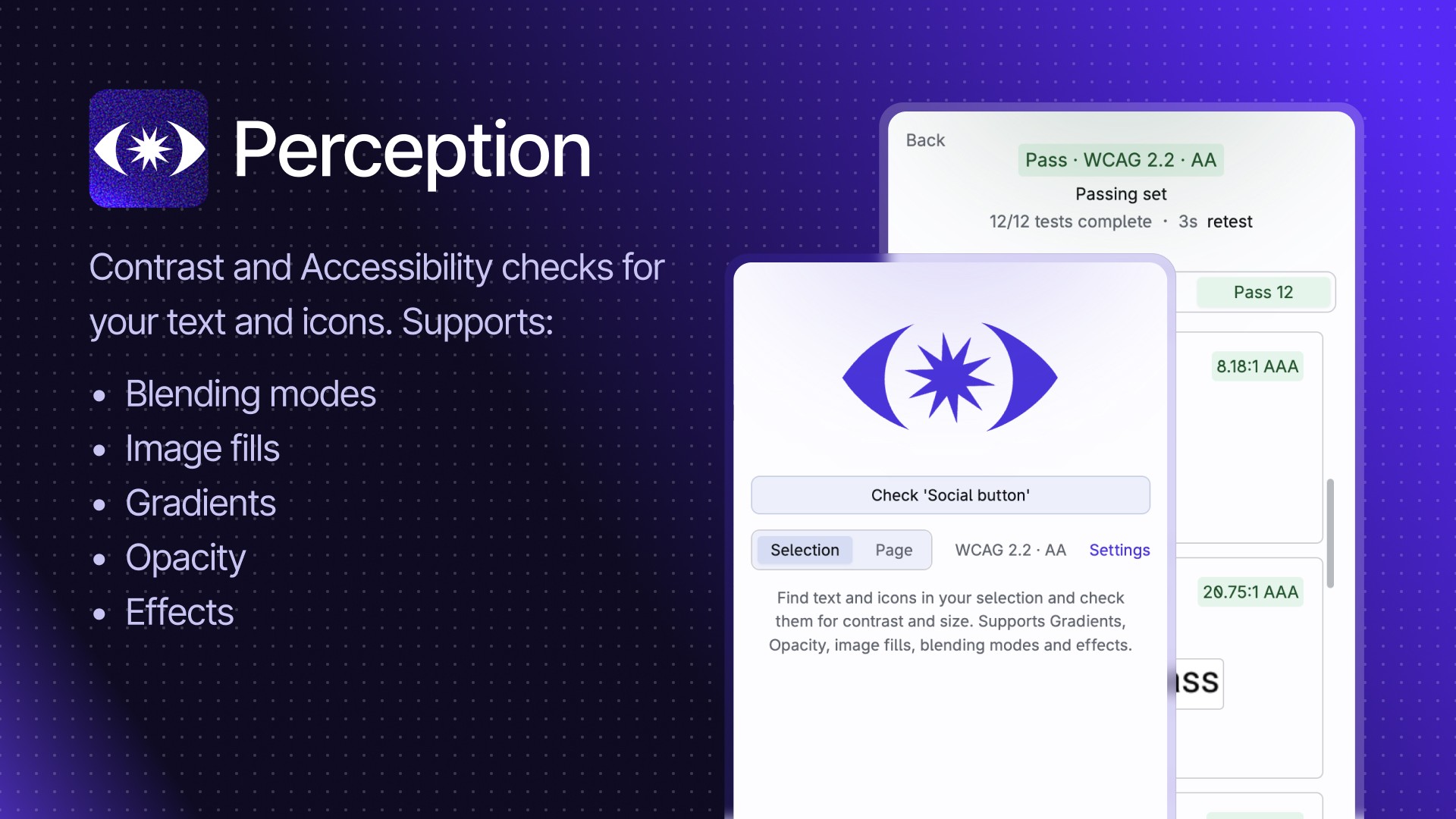
A11y Widget lives right in your Figma workspace. When you're ready, run a check on any component, frame, or selection. It flags common accessibility problems, like contrast failures and touch target sizes, and documents exactly what was tested.
❌ No more colour-picking hex codes and squinting at contrast calculators.
❌ No more "I think I checked that?" before handoff.
✅ You run the check.
✅ You get the results.
✅ You have the receipts.
Why it matters
Finding issues late costs more than finding them early
You know accessibility matters. But the current process is fragile:
Manual contrast checks are tedious and easy to skip
Different designers check different things (or forget entirely)
Issues slip through to dev, QA, or worse, an external audit
Someone else catches what you missed, and suddenly it's a conversation about your process
The later an accessibility issue is found, the more expensive it is to fix, in time, in rework, and in trust.
Ally Widget moves the check earlier. Into the design phase. Into your actual workflow. So you catch problems when they're cheap to fix and you have documentation to prove you checked.
The result: Fewer surprises. Less rework. And when someone asks, "did we check this?", you have an answer.
How it works
Three steps. No expertise required.
1. Add Ally Widget to your Figma file
The widget sits on your canvas, ready when you are. No complex setup.
2. Select what you want to check and run it
Hit process. Ally Widget tests for common WCAG 2.2 accessibility issues.
3. Review results and keep the record
See what passed, and what failed. The widget documents what was checked, so you have proof for yourself, your team, or anyone who asks.
Questions you probably have
Stop colour-picking. Start checking.
A11y Widget makes accessibility checks part of your design workflow, not an afterthought, a bottleneck, or someone else's problem.
Follow the build journey • Free tier available
No spam. Unsubscribe anytime.